Contents
The key criterion nobody talks about
There are hundreds of calorie counting apps. One boasts a database of a million foods, another scans barcodes, a third draws pretty charts, and you could compare features until you're tired of it. The thing that really decides whether you'll keep going rarely makes it into reviews: how much effort one entry takes. Hardly anyone quits because an app counts badly; they quit because they're fed up. Searching for the food, choosing between fifteen nearly identical entries, typing the grams and repeating it for every ingredient in a salad is annoying by day three, by day ten dinner "slips your mind", and two weeks later the diary is empty. That's why the app worth having is the one you'll still be using a month from now, not the most powerful one.
The types of apps
The classic is a diary with a food database, where you search for a food, pick a variant and type in the grams, and many apps also scan barcodes. If you weigh your food they're accurate, their databases are huge and there's often a free version. But they're slow, a three-course lunch turns into 5-10 entries and a couple of minutes, and home cooking, cafés and dinners at friends' are hard, because "borscht" in a database can be anything from 30 to 90 kcal per 100 g and there's no telling which is yours. These diaries suit people who love precision, cook for themselves, eat similar meals and don't mind spending the time.
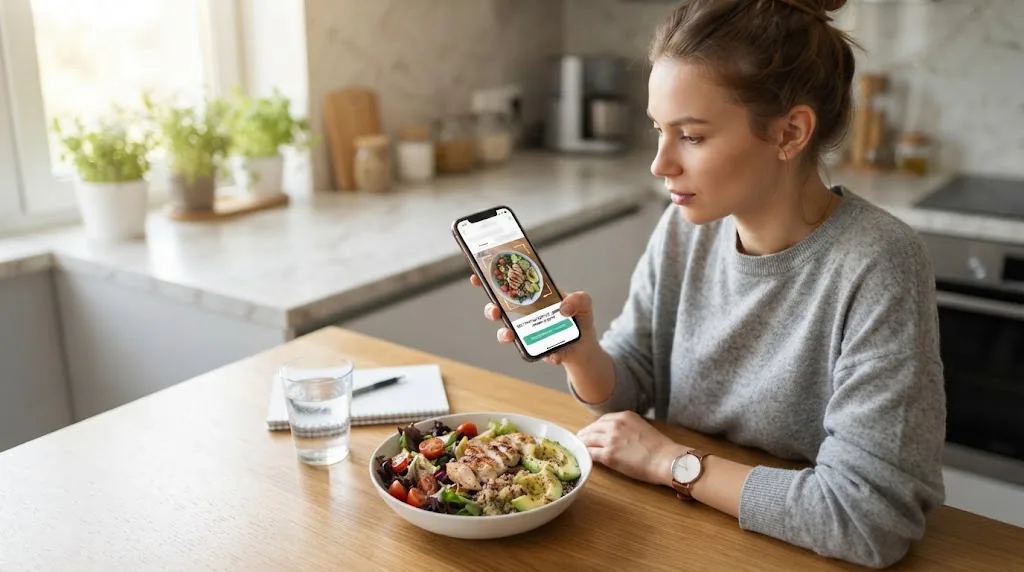
With photo recognition apps you take a picture of your plate, a neural network recognises the foods and estimates the grams, and you can correct the result afterwards. A meal takes a few seconds, and it copes with home cooking, restaurants and complicated dishes alike. Accuracy is lower than with a scale, though, especially with oil, sauces and big portions, and there's nearly always a subscription, because every analysis costs the service money, as we explained in Free calorie counting by photo. This suits people who often eat out, are short of time or have already given up on manual counting.
The third and fairly new format is a messenger bot, where the diary lives right inside Telegram or another messenger and you can send a photo, type "lunch was buckwheat with a meat patty" or record a voice message. There's nothing to install, since your messenger is open dozens of times a day anyway, but you depend on it, and bots vary a lot, with some only counting and others keeping a full diary. It works well for people who don't want yet another app on their phone and are used to voice messages.
What to look at when choosing
Here's a checklist for evaluating any app - before you pay.
| Criterion | What to check | Why it matters |
|---|---|---|
| Logging speed | How many seconds an ordinary lunch takes | The main reason people quit counting |
| Your cuisine | Whether the foods you actually eat are there | Many databases miss local dishes or get them wrong |
| Target calculation | Whether the app calculates your target, and how | Without a target you don't know what you're aiming for |
| Editing entries | How easy it is to fix grams and ingredients | Both photos and databases make mistakes; you'll need to fix them |
| Weekly stats | Whether you can see the weekly average, not just the day | Weight loss shows by the week, not the day |
| Price and terms | What's free, what the subscription costs, how to cancel | No surprise charges |
| Your data | Whether you can export your entries and delete your account | Your data should stay yours |
More on the three most important points
Speed. Time it. Photograph or enter your usual lunch and see how many seconds it takes. If it's more than a minute, you'll probably start skipping entries within two weeks.
Your cuisine. This is a non-obvious problem. Many popular apps were built for a different cuisine. Try to find or recognise what you really eat: a canteen soup, your mum's cabbage rolls, a shawarma from a street stall. If the app gets confused, your counting will be inaccurate however hard you try.
Your target. A good app doesn't just add up calories but shows how much you need. Even better if the target is refined over time using your real data. How many calories you need to lose weight and where that number comes from is covered in How many calories a day do you need to lose weight.
How to test an app in a week
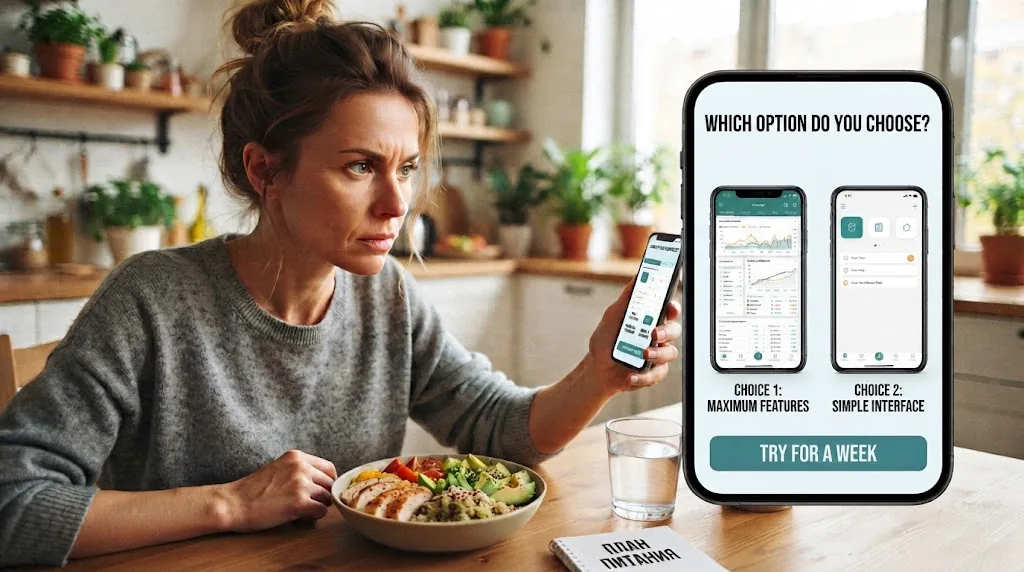
Don't choose by reviews and ratings. The best test is a week of real use.
- Day 1. Install the app or open the bot, fill in your profile and look at the calculated target. Compare it with our calorie calculator - if the numbers differ a lot, find out why.
- Days 2-4. Log everything as usual and notice where logging gets hard: meals out, snacks, drinks.
- Day 5. Try editing an entry by changing the grams or removing an ingredient.
- The weekend. The most honest test, at a friend's, in a café, with festive food.
- Day 7. Ask yourself honestly whether you logged everything and want to carry on.
If on day seven you catch yourself sighing "logging again", it isn't your app, and it's worth trying another format. How to start counting calories at all and what to do in the first week is covered in How to count calories: a step-by-step plan for beginners. And be careful with free trials: many apps give you a free week but ask for your card up front and charge for a whole year at the end, so check when the charge comes and how to cancel, and set a reminder for the day before the trial ends.
What MyFoodMate AI can do
A few honest words about ourselves, without exaggeration. MyFoodMate AI is a food diary that lives inside Telegram and MAX, so there's nothing to install.
How to log food. Photograph your plate, write it down, or say it out loud: "lunch was buckwheat with a meat patty". The app breaks down the composition, grams, macros and FoodMate Score - a rating of how balanced the meal is. If something's off, correct it in words: "there was no oil", "it was a double portion".
How not to log the same thing twice. Frequent meals are saved in "My dishes" and favourites and added with one tap.
Your target. Calculated with the Mifflin-St Jeor equation, taking into account your goal and activity. And if you regularly log food and weight, after a few weeks the app compares what you ate with how your weight changed and suggests adjusting your target to your real data.
Stats. The Progress screen shows weekly and monthly averages and your macro balance; with a subscription it also gives a weekly review and tips on what to improve. The weight tracker plots all your readings.
A nutritionist in the chat. You can ask what you're missing today, and it answers based on your diary - and also logs food, water and weight from what you tell it.
What's free. The diary, manual entry, water, weight, Progress and data export always work, with no subscription. After your first analysis you get trial days when everything works fully, with no card required. The subscription is needed for photo, text and voice analysis - current prices are on the Pricing page.
Worth knowing. Telegram and MAX are two separate apps: each has its own diary and subscription, and entries can't be transferred between them automatically. It's best to pick one messenger from the start. More in the guide Logging in with Telegram and MAX.
You can try it without the bot right on the home page, where the photo analysis demo runs.
FAQ
Which calorie counting app is the most accurate?
Any of them, if you weigh your food on kitchen scales. The difference in accuracy between apps is smaller than the difference between "weighed" and "by eye". For everyday counting, logging everything matters more than every entry being perfect.
Is there a good free app?
Manual-entry diaries are often completely free. Photo recognition is almost always paid. Many apps, ours included, keep the diary and manual entry free and charge a subscription for the neural network.
Do I need an app if I can count in a notebook?
A notebook works too. An app saves time looking up calories, adds things up for you and shows weekly averages. But if a notebook works for you, it works.
What happens to my data if I leave?
A good app lets you export your entries to a file and delete your account. MyFoodMate AI has both - more in the guide Exporting and deleting your data.

We check blog materials against current WHO recommendations.